
微信小程序学习笔记(六)文件上传、下载
上一篇:微信小程序学习笔记(五)
【文件上传】wx.uploadFile
(以上传图片为例)
后台上传接口Upload.php:(tp5)
?phpnamespace apphomecontroller;use thinkController;class Upload extends First{ //上传图片API public function upImg() { $arr = array('state'=0,'msg'='上传失败','filepath'=''); $file = request()-file('file'); if($file){ $info = $file-move('upload/weixin/'); if ($info) { $arr['state'] = 1; $arr['msg'] = '上传成功'; $arr['filepath'] = $info-getSaveName(); } } return json($arr); }}前台页面upload.wxml:
image src='{{imgpath}}' style='width:600rpx; height:600rpx' /view button bindtap="upImg"点击选择上传图/button/view前台upload.js:
Page({ data: { imgpath: '' }, upImg: function (e) { var that = this wx.chooseImage({ count: 1, // 默认最多一次上传9张图片 sizeType: ['original', 'compressed'], // 允许原图和压缩图 sourceType: ['album', 'camera'], // 允许相册和相机 success(res) { const tempFilePaths = res.tempFilePaths wx.showToast({ title: '正在上传...', icon: 'loading', mask: true, duration: 500 }) wx.uploadFile({ url: 'https://www.msllws.top/Upload/upImg', //服务器上传接口 filePath: tempFilePaths[0], //文件资源路径 name: 'file', header: { 'Content-Type': 'Application/json' }, success(res) { console.log(res) if (res.statusCode == 200){ that.setData({ imgpath: tempFilePaths }) } } }) } }) }})演示效果:
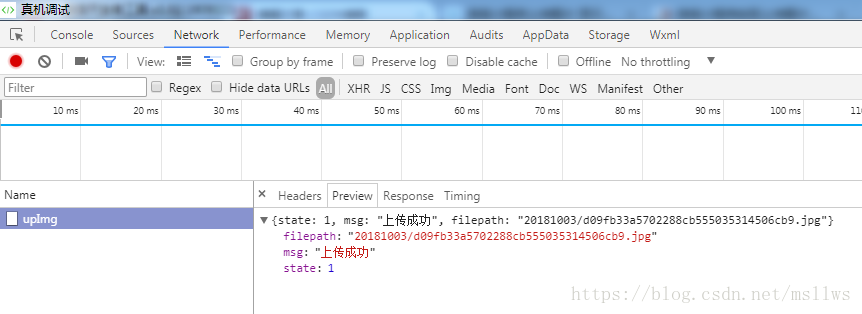
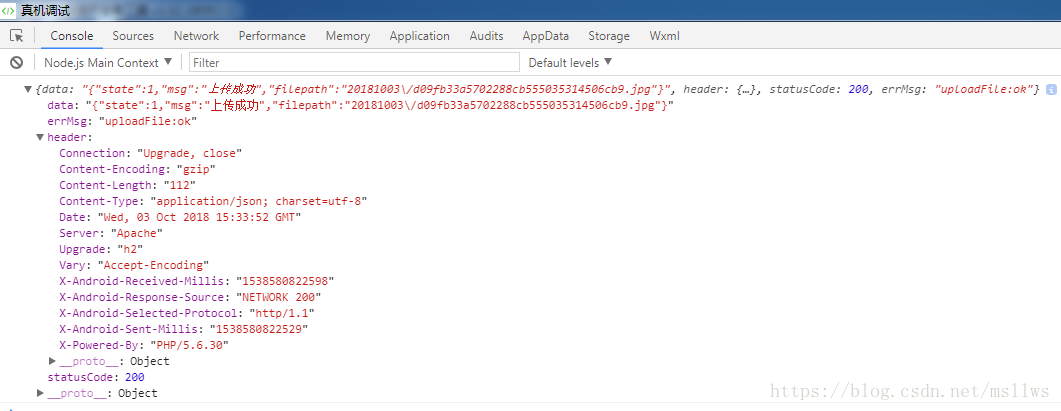
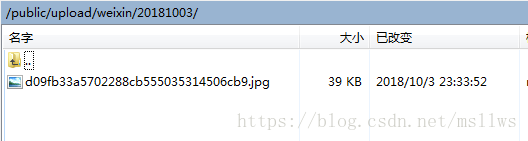
嗯哼~

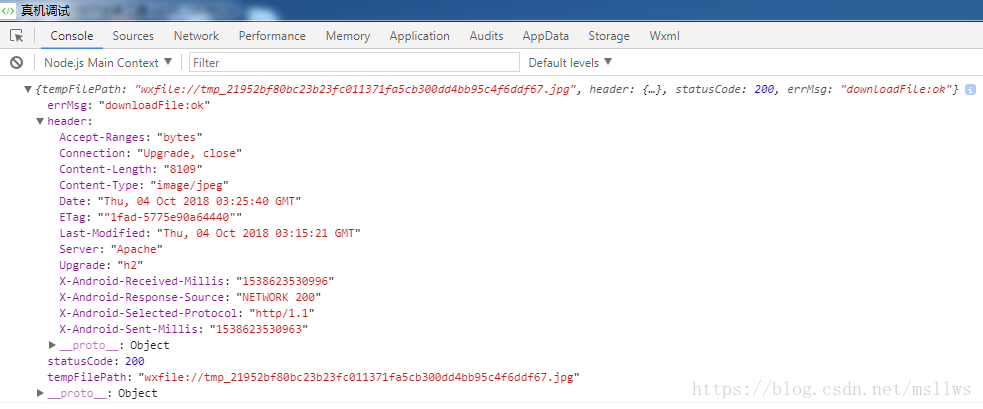
【文件下载】wx.downloadFile
(以下载一张图片为例)
在服务器目录下放一张图片1.jpg:
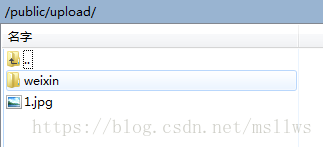

小程序
声明:本站所有文章资源内容,如无特殊说明或标注,均为采集网络资源。如若本站内容侵犯了原著者的合法权益,可联系本站删除。








