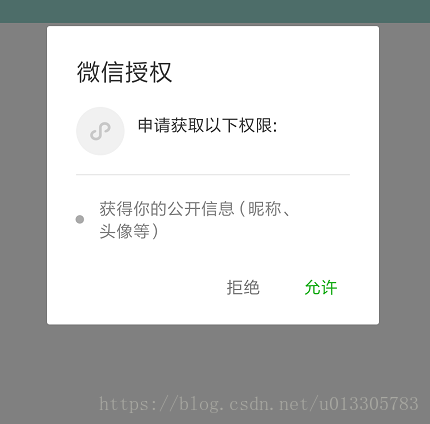
最初微信小程序获取权限只需调用getUserInfo,便会弹出授权窗口
wx.getUserInfo({ success: function (res) { that.setData({ nickName: res.userInfo.nickName, avatarUrl: res.userInfo.avatarUrl, }) }, })
现在的小程序不会自动弹出授权框,如果需要授权可以通过按钮的形式手动引导用户进行授权。
<button class='returnButton' wx:if="{{canIUse}}" open-type="getUserInfo" bindgetuserinfo="bindGetUserInfo">开始使用</button>
可以先在onload函数中获取看是否已经授权,直接获取用户信息
onLoad: function (e) { var that = this wx.getSetting({ success: function (res) { if (res.authSetting['scope.userInfo']) { // 已经授权,可以直接调用 getUserInfo 获取头像昵称 wx.getUserInfo({ success: function (res) { app.globalData.userInfo = res.userInfo } }) } } })
如果没有授权,可以通过绑定函数来授权
bindGetUserInfo: function (e) { var that = this; wx.getUserInfo({ success: function (res) { that.setData({ userInfo: res.userInfo }) app.globalData.userInfo = res.userInfo wx.navigateTo({ url: '' //成功时跳转 }) } , fail: function(){ wx.navigateTo({ url: '' //失败了跳转 }) } }) if (app.globalData.userInfo == null){ if (e.detail.userInfo != null){ app.globalData.userInfo = e.detail.userInfo } } }

TAG标签:
微信小程序微信小程序授权
http://www.xiaochengxub.com/read-101385.html









