
微信小程序页面分享onShareAppMessage
效果
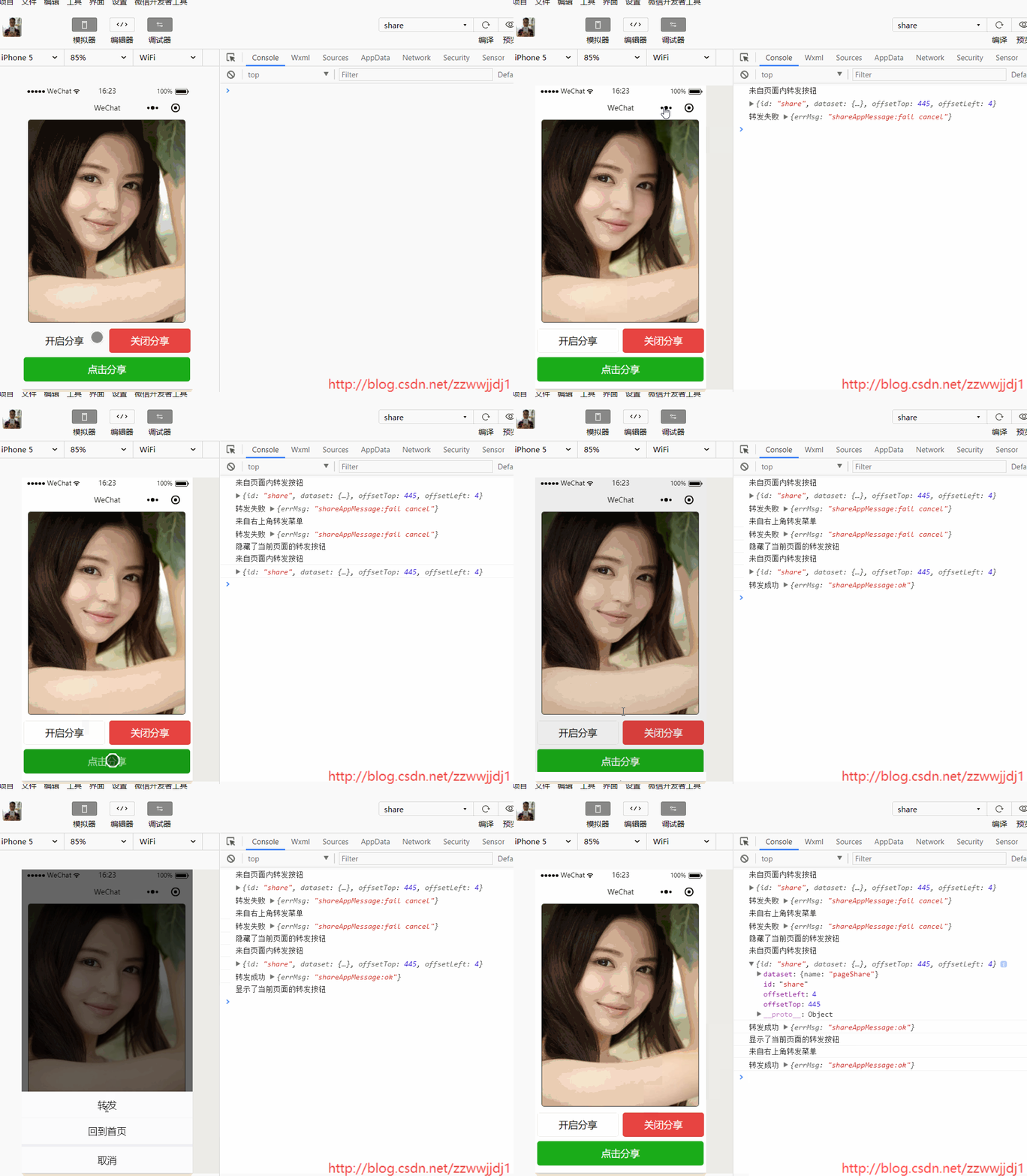
js
let app = getApp();Page({ data: { img: "/images/1.jpg" }, onLoad() { }, showShareMenu() { wx.showShareMenu(); console.log("显示了当前页面的转发按钮"); }, hideShareMenu() { wx.hideShareMenu(); console.log("隐藏了当前页面的转发按钮"); }, onShareAppMessage: (res) => { if (res.from === 'button') { console.log("来自页面内转发按钮"); console.log(res.target); } else { console.log("来自右上角转发菜单") } return { title: '妹子图片', path: '/pages/share/share?id=123', imageUrl: "/images/1.jpg", success: (res) => { console.log("转发成功", res); }, fail: (res) => { console.log("转发失败", res); } } }})html
<view class="view"> <image class="cover-9" src="{{img}}" bindtap="img"></image> <view class="window-1"> <button type="default" id="open" bindtap="showShareMenu">开启分享</button> <button type="warn" id="close" bindtap="hideShareMenu">关闭分享</button> </view> <button type="primary" open-type="share" data-name="pageShare" id="share">点击分享</button></view>css
page{ height: 100%;}.view{ width: 100%; height: 100%;}.window-1{ display: flex; flex-direction: row; margin: 20rpx 0;}.cover-9{ width: 688rpx; height: 75%; margin: 0 30rpx; border:2rpx solid; border-radius:5px; }button{ margin: 0 10rpx; width: 100%;}#share{ width: 730rpx;}意外金喜的博客:http://blog.csdn.net/zzwwjjdj1
更多小程序文章:http://blog.csdn.net/zzwwjjdj1/article/details/79351547关注公众号:
声明:本站所有文章资源内容,如无特殊说明或标注,均为采集网络资源。如若本站内容侵犯了原著者的合法权益,可联系本站删除。








