
微信小程序连接java后端
所需环境
1.微信开发者工具
2.eclipse
小程序端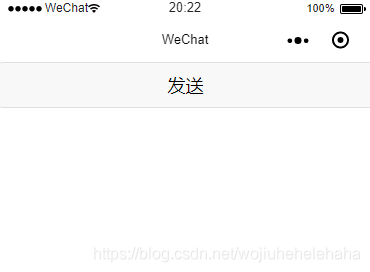
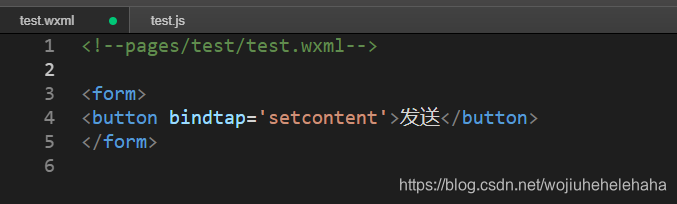
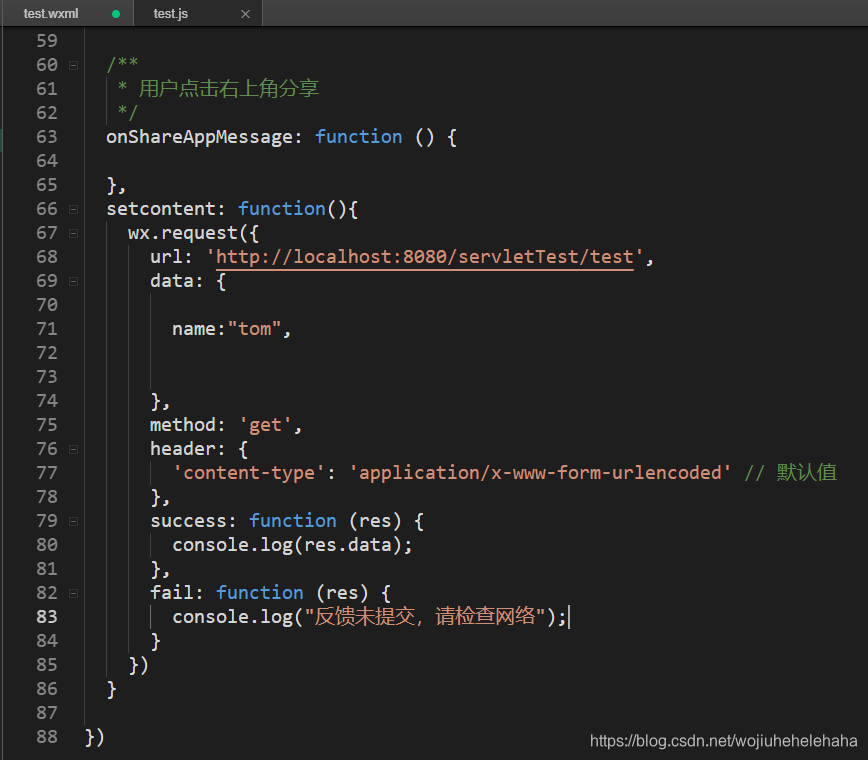
Java后端 运行结果
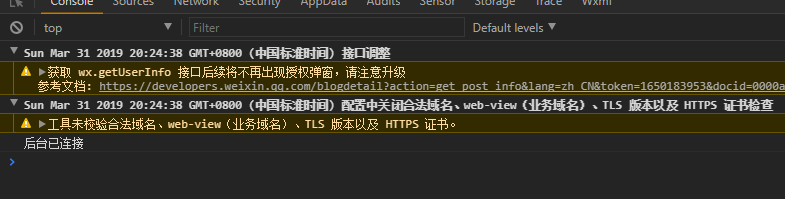
 注意事项
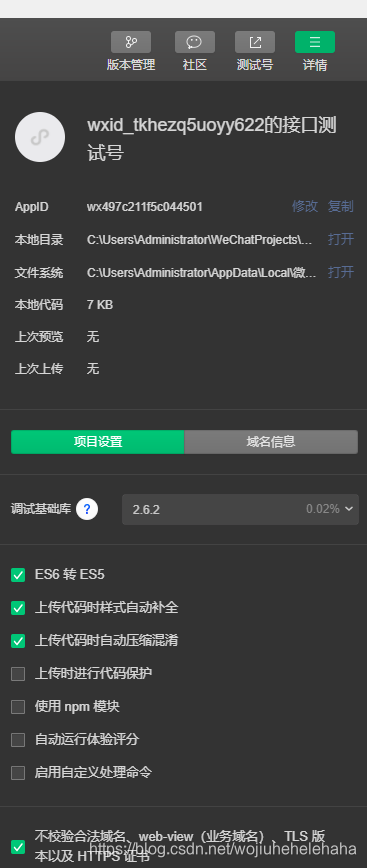
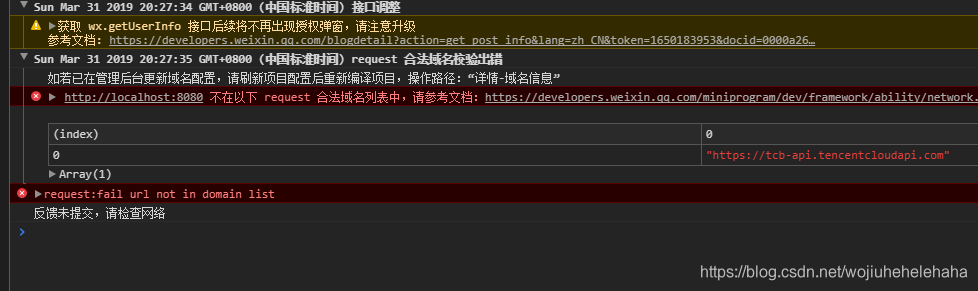
不校验合法域名在详情中,这个勾勾一定要勾上,不然就会这样
最后代码附上
w微信端wxml:
微信端js:
setcontent: function(){ wx.request({ url: 'http://localhost:8080/servletTest/test', data: { name:"tom", }, method: 'get', header: { 'content-type': 'application/x-www-form-urlencoded' // 默认值 }, success: function (res) { console.log(res.data); }, fail: function (res) { console.log("反馈未提交,请检查网络"); } }) }java后端的servlet:
package servletTest;import java.io.IOException;import java.io.Writer;import javax.servlet.ServletException;import javax.servlet.http.HttpServlet;import javax.servlet.http.HttpServletRequest;import javax.servlet.http.HttpServletResponse;public class servlet02 extends HttpServlet {private static final long serialVersionUID = 1L; protected void doGet(HttpServletRequest request, HttpServletResponse response) throws ServletException, IOException { // TODO Auto-generated method stub response.setContentType("text/html;charset=utf-8"); /* 设置响应头允许ajax跨域访问 */ response.setHeader("Access-Control-Allow-Origin", "*"); /* 星号表示所有的异域请求都可以接受, */ response.setHeader("Access-Control-Allow-Methods", "GET,POST"); //获取微信小程序get的参数值并打印 String name = request.getParameter("name"); System.out.println("姓名 = "+name); //返回值给微信小程序 Writer out = response.getWriter(); out.write("后台已连接"); out.flush(); }protected void doPost(HttpServletRequest request, HttpServletResponse response) throws ServletException, IOException {// TODO Auto-generated method stubdoGet(request, response);}}TAG标签: 微信小程序微信小程序后端怎么写
声明:本站所有文章资源内容,如无特殊说明或标注,均为采集网络资源。如若本站内容侵犯了原著者的合法权益,可联系本站删除。








