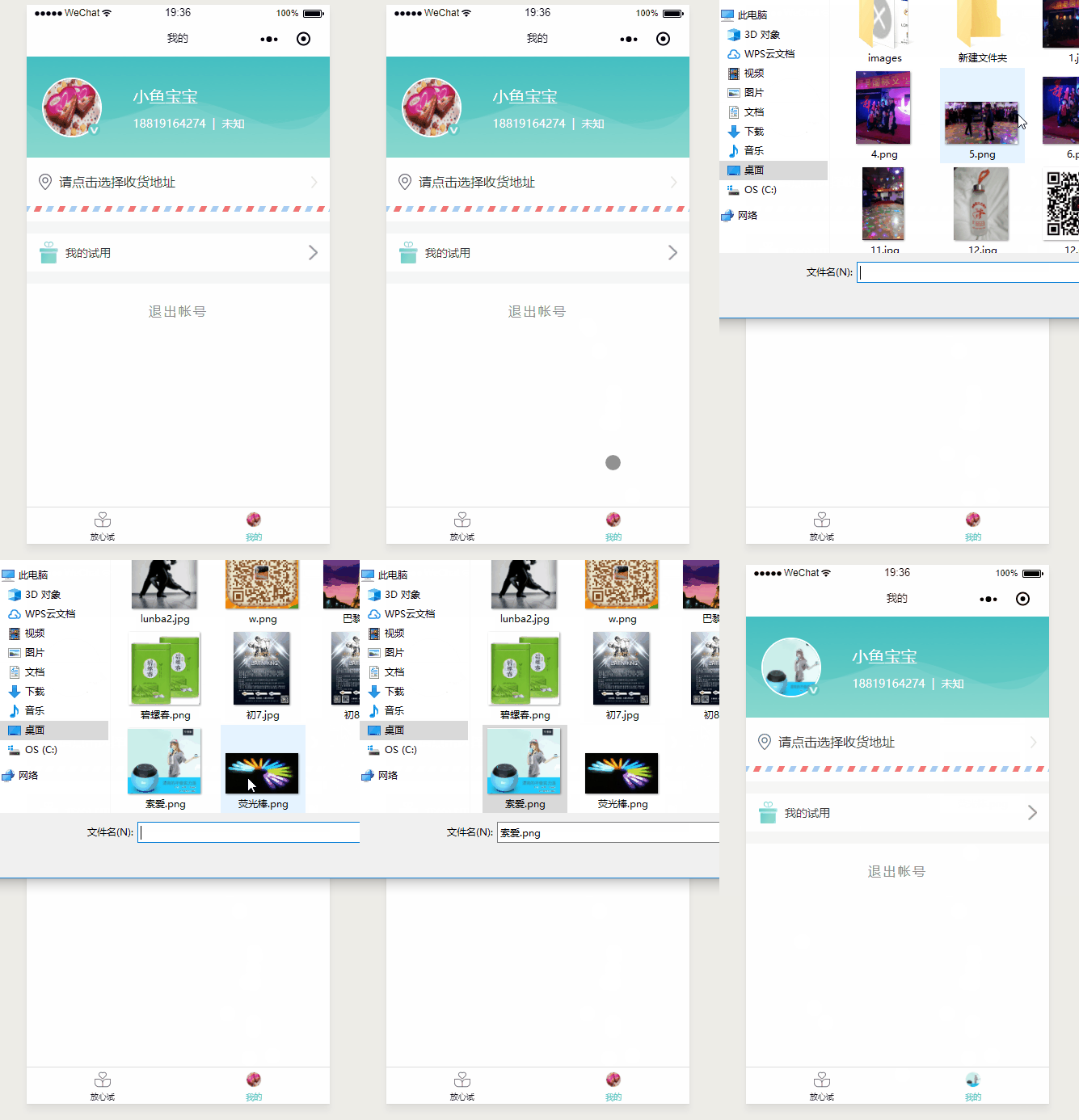
changeAvatar:function (){ var that=this; wx.chooseImage({ count: 1, // 默认9 sizeType: ['original', 'compressed'], // 可以指定是原图还是压缩图,默认二者都有 sourceType: ['album', 'camera'], // 可以指定来源是相册还是相机,默认二者都有 success: function (res) { // 返回选定照片的本地文件路径列表,tempFilePath可以作为img标签的src属性显示图片 var avatarSrc = res.tempFilePaths wx.uploadFile({ url: 'https://product.fishqc.com/User/Profile/upImg', filePath: res.tempFilePaths[0], name: 'avatar', formData: { avatar: avatarSrc}, // HTTP 请求中其他额外的 form data header: { // 'content-type': 'application/x-www-form-urlencoded', // 默认值 'skey': wx.getStorageSync('getstoreskey') }, success: function (info) { console.log(info,'info') if (JSON.parse(info.statusCode)=="200"){ that.setData({ 'UserInfodata.image': JSON.parse(info.data).data.image, 'Headimg': JSON.parse(info.data).data.image }); } } }) } }) }
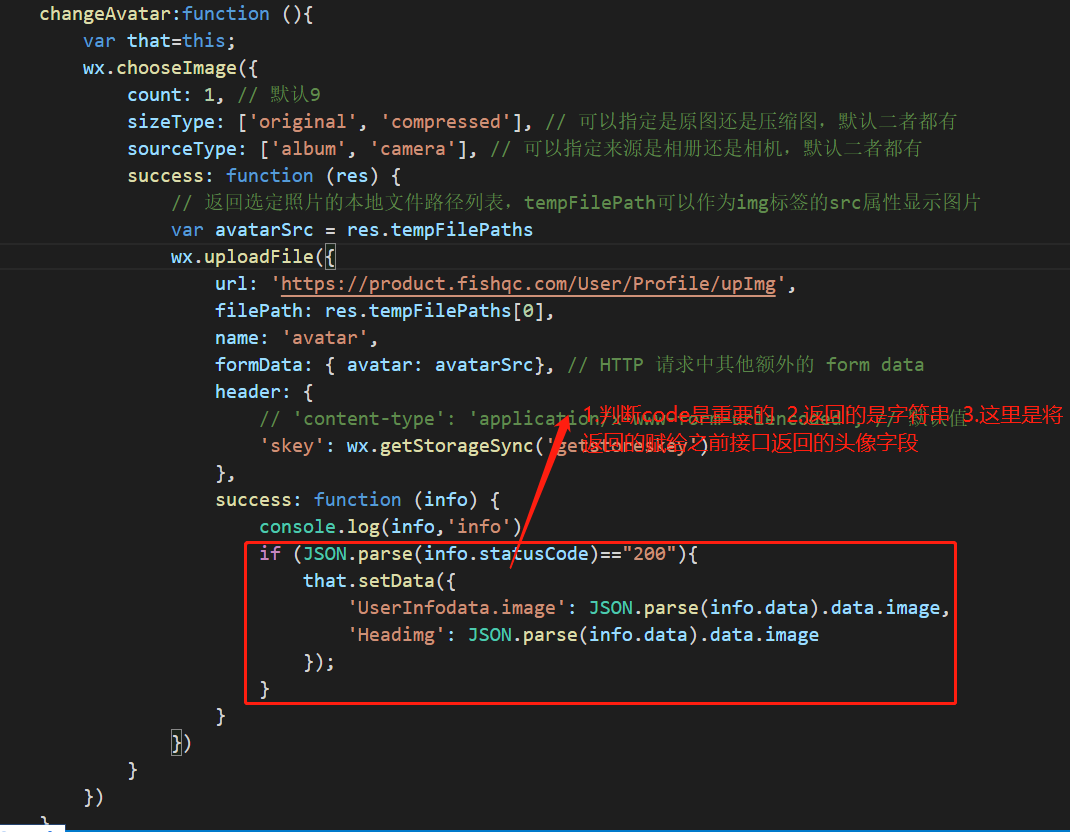
其实我之前有试过直接调返回
UserInfodata.image和Headimg的两个接口,也是不行的 ,试过http://www.wxappclub.com/topic/683?from=singlemessage&isappinstalled=0 这个人写的最后的赋值
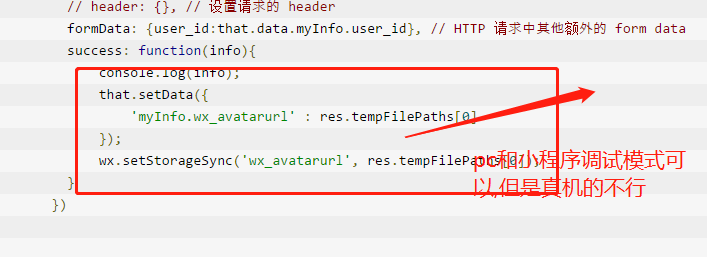
现在是都可以了 ,加油,共勉
我想说的是 ,在真机上可能不行,但是在体验版和pc端,小程序手机调试都可以,看看正式上行不行,与做法无关,可能是接口问题,因为我换另外一个上传图片的接口是在真机上也可以的.
微信小程序
TAG标签:
微信小程序微信如何换头像
http://www.xiaochengxub.com/read-103420.html









