
初学者微信小程序实现图片轮播效果
一、首先登录微信小程序开发文档了解大概详情
二、然后点击 https://mp.weixin.qq.com/wxopen/waregister?action=step1 申请一个账号并登录
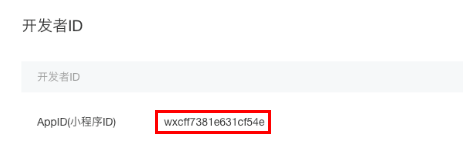
三、点击“设置”--“开发设置”,找到小程序的 AppID
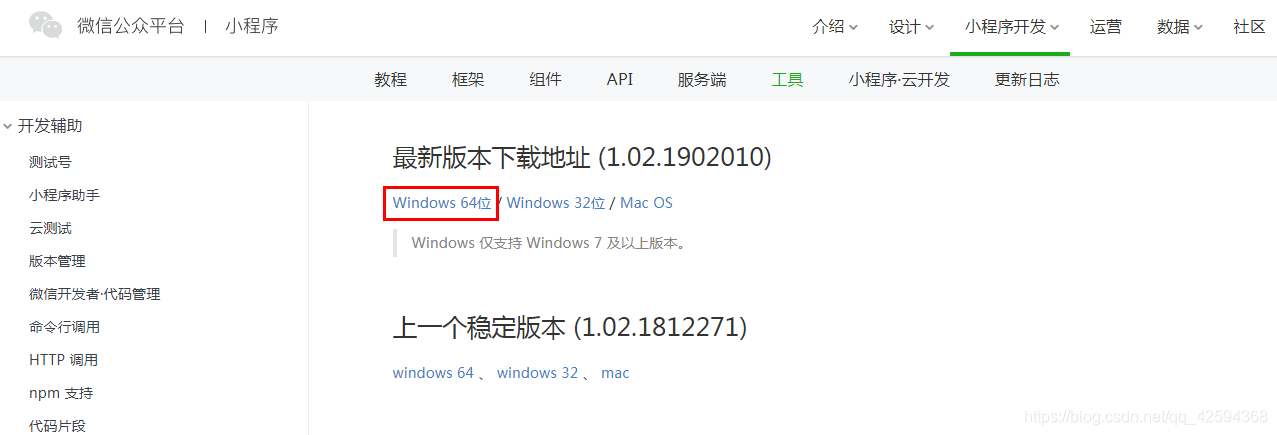
四、在微信公众平台,安装小程序开发工具
五、打开工具,新建一个目录和文件,如图所示
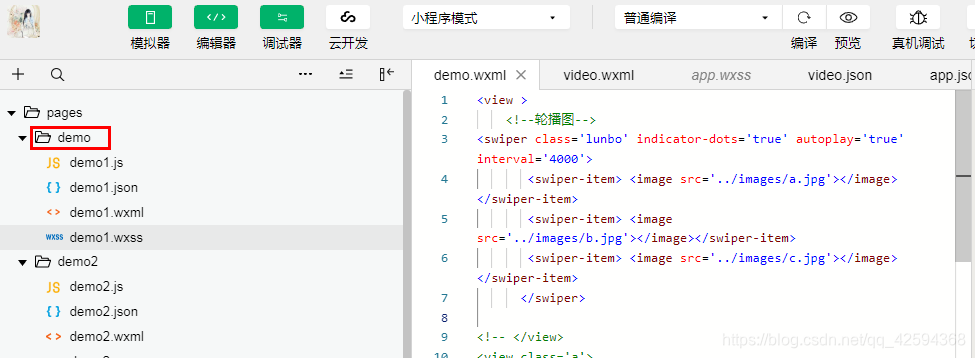
五、图片轮播效果,代码如下
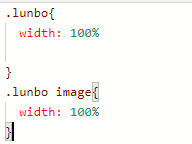
在.wxss中设置属性
在.wxml中编写如下代码
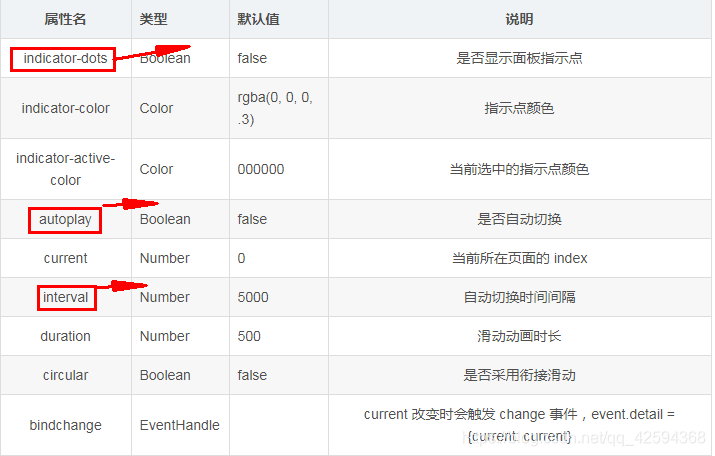
<view > <!--轮播图--><swiper class='lunbo' indicator-dots='true' autoplay='true' interval='4000'> <swiper-item> <image src='../images/a.jpg'></image> </swiper-item> <swiper-item> <image src='../images/b.jpg'></image></swiper-item> <swiper-item> <image src='../images/c.jpg'></image> </swiper-item> </swiper> </view>注:参数详解
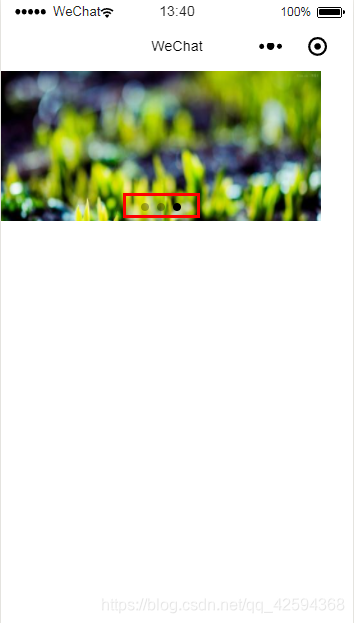
代码效果如下:
声明:本站所有文章资源内容,如无特殊说明或标注,均为采集网络资源。如若本站内容侵犯了原著者的合法权益,可联系本站删除。








