
小程序定位,接入腾讯位置服务
接入腾讯位置服务官方文档:https://lbs.qq.com/qqmap_wx_jssdk/index.html
一.接入腾讯位置服务步骤
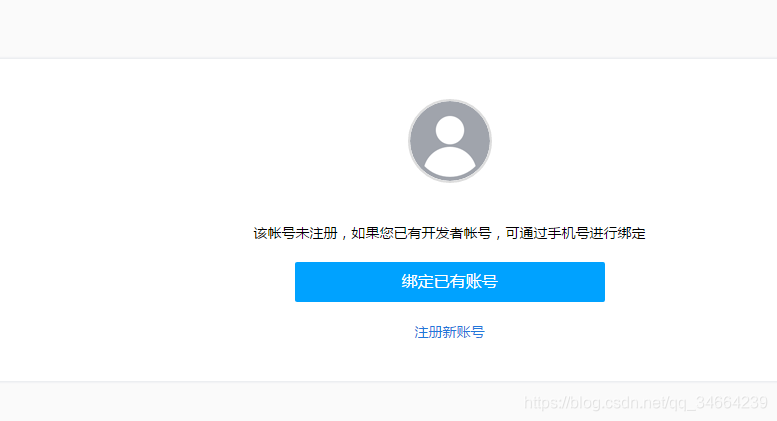
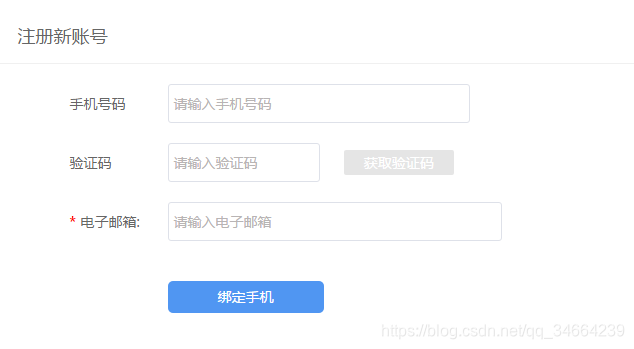
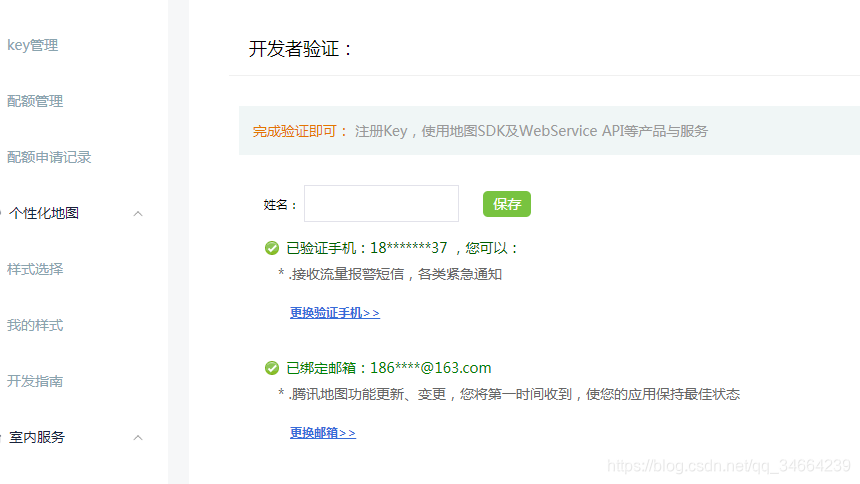
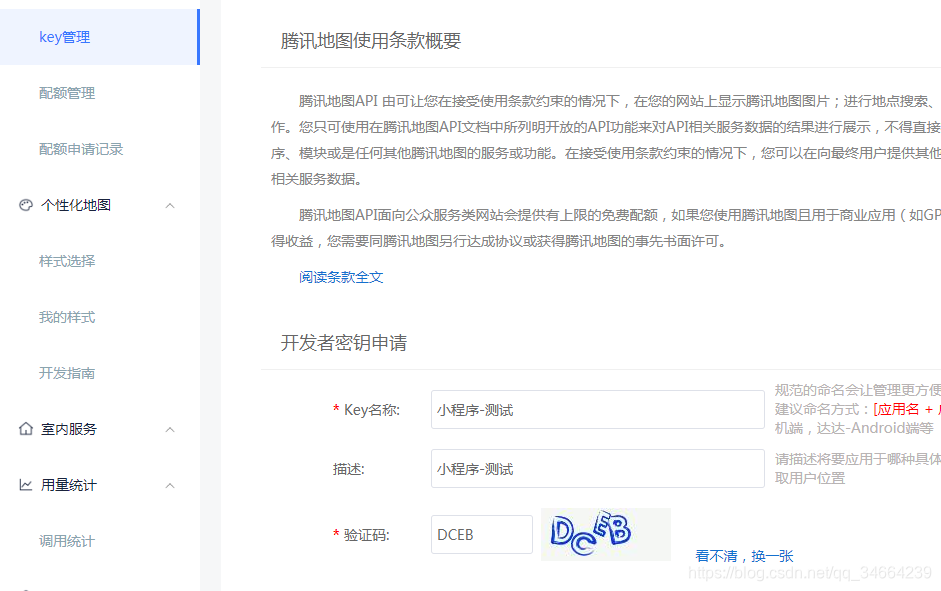
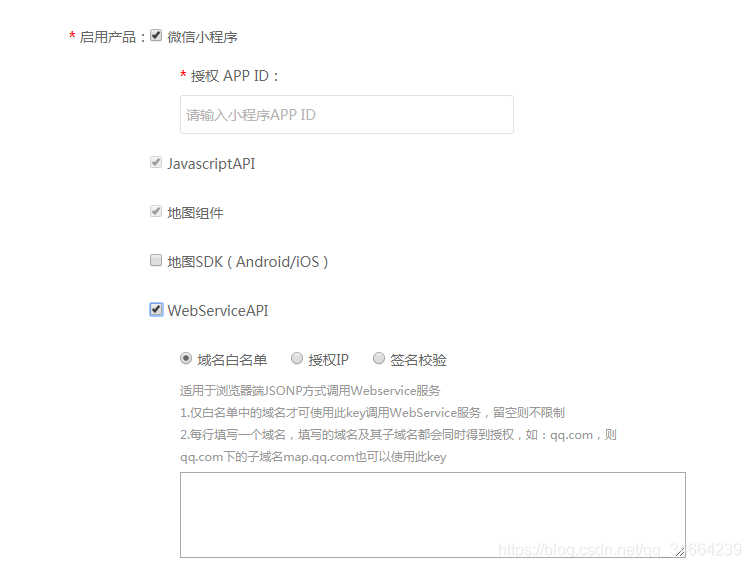
填写WebServiceAPI的授权白名单或授权IP
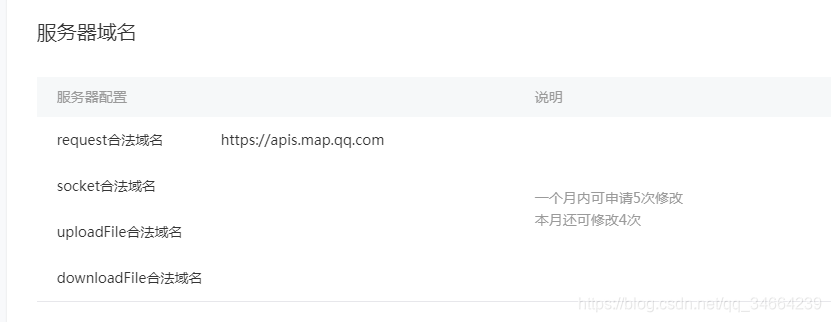
开发 - 开发设置 - request合法域名添加 https://apis.map.qq.com
二、在小程序中初始化腾讯位置服务
三、在小程序中定位
微信小程序-获取当前城市位置
1, 获取当前地理位置,首先要拿到用户的授权wx.openSetting;
2,微信的getLocation接口,获取当前用户的地理位置(微信返回的是经纬度,速度等参数);
3,腾讯位置服务的qqmapsdk.reverseGeocoder腾讯地图逆地址解析方法,根据坐标获取当前位置名称;
小程序有个wx.getLocation方法可以实现定位获取经纬度,但是首先需要让用户给一下权限
// miniprogram/pages/index.jsvar QQMapWX = require('../../../libs/qqmap-wx-jssdk.js');var qqmapsdk;Page({ data: { cost: '--', scale: 18, longitude: '', latitude: '', markers: [] }, submit_order(){ wx.navigateTo({ url: '/pages/user/waitrec/waitrec' }) }, /** * 生命周期函数--监听页面加载 */ onLoad: function (options) { wx.getSetting({ success: (res) = { // res.authSetting['scope.userLocation'] == undefined 表示 初始化进入该页面 // res.authSetting['scope.userLocation'] == false 表示 非初始化进入该页面,且未授权 // res.authSetting['scope.userLocation'] == true 表示 地理位置授权 if (res.authSetting['scope.userLocation'] != undefined && res.authSetting['scope.userLocation'] != true) { wx.showModal({ title: '请求授权当前位置', content: '需要获取您的地理位置,请确认授权', success: function (res) { if (res.cancel) { wx.showToast({ title: '拒绝授权', icon: 'none', duration: 1000 }) } else if (res.confirm) { wx.openSetting({ success: function (dataAu) { if (dataAu.authSetting["scope.userLocation"] == true) { wx.showToast({ title: '授权成功', icon: 'success', duration: 1000 }) //再次授权,调用wx.getLocation的API this.getAddress(); } else { wx.showToast({ title: '授权失败', icon: 'none', duration: 1000 }) } } }) } } }) } else { //调用wx.getLocation的API this.getAddress(); } } }); //判断全局变量寄件信息和收件信息,都存在则显示费用 var app = getApp(); if (app.globalData.send_info.address && app.globalData.receive_info.address) { this.setData({ cost: 100 }) } }, //获取定位信息 getAddress(){ // 实例化腾讯地图API核心类 qqmapsdk = new QQMapWX({ key: 'LXKBZ-IQY6X-XAM4F-ZTULL-OMKDQ-IBB3U' }); var that = this; //获取当前位置 wx.getLocation({ type: 'wgs84', success: function (res) { var lat = res.latitude; var lon = res.longitude; //根据坐标获取当前位置名称,腾讯地图逆地址解析 qqmapsdk.reverseGeocoder({ location: { latitude: lat, longitude: lon }, success: function (res) { var address = res.result.address; that.setData({ latitude: lat, longitude: lon, markers: [{ id: '1', iconPath: "../../../images/icon_cur_position.png", width: 22, height: 32, latitude: lat, longitude: lon, callout: { content: address, color: "#393939", textAlign: 'center', fontSize: 13, borderRadius: 20, bgColor: "#ffffff", padding: 10, display: "ALWAYS" }, }] }) } }); } }); }})相关官方网址
wx.getLocation
授权
声明:本站所有文章资源内容,如无特殊说明或标注,均为采集网络资源。如若本站内容侵犯了原著者的合法权益,可联系本站删除。








