
微信小程序高度设置为100%
在网页中设置body,html{height:100%};
将body和html设置为100%,这样我们就可以在他们的子元素中使用height:100%来使的我们的容器元素占满屏幕的高度啦。
但是在微信小程序中,是没有dom对象的,但是我们看调试工具可以看到在dom树(我也不知道怎么叫了,就这么叫吧)中,根节点是page,所以我们来试试使用page{height:100%}
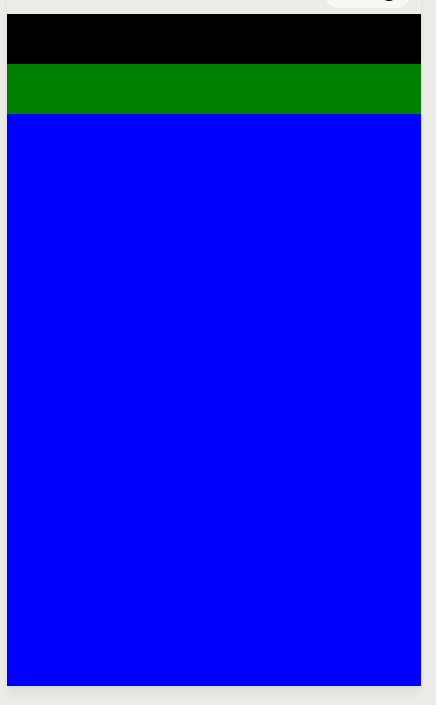
<view class='index-wrapper'> <view class='index-userinfo-container'> <!-- <image src='{{userInfo.avatar}}'></image>--> </view> <view class='index-operate-container'> <!-- <image src='{{userInfo.avatar}}'></image> --> </view></view>page{ height: 100%}.index-wrapper{ background: blue; height: 100%; width: 100%; display:flex; flex-direction:column;}.index-userinfo-container{ background: black; height: 50px;}.index-operate-container{ background: green; height: 50px;}
微信小程序
TAG标签: 微信小程序微信转账额度怎么提高
声明:本站所有文章资源内容,如无特殊说明或标注,均为采集网络资源。如若本站内容侵犯了原著者的合法权益,可联系本站删除。








