
小程序利用富文本编辑器editor编辑文章
https://blog.csdn.net/qq_29789057/article/details/90108048
https://blog.csdn.net/hotqin888/article/details/90348007
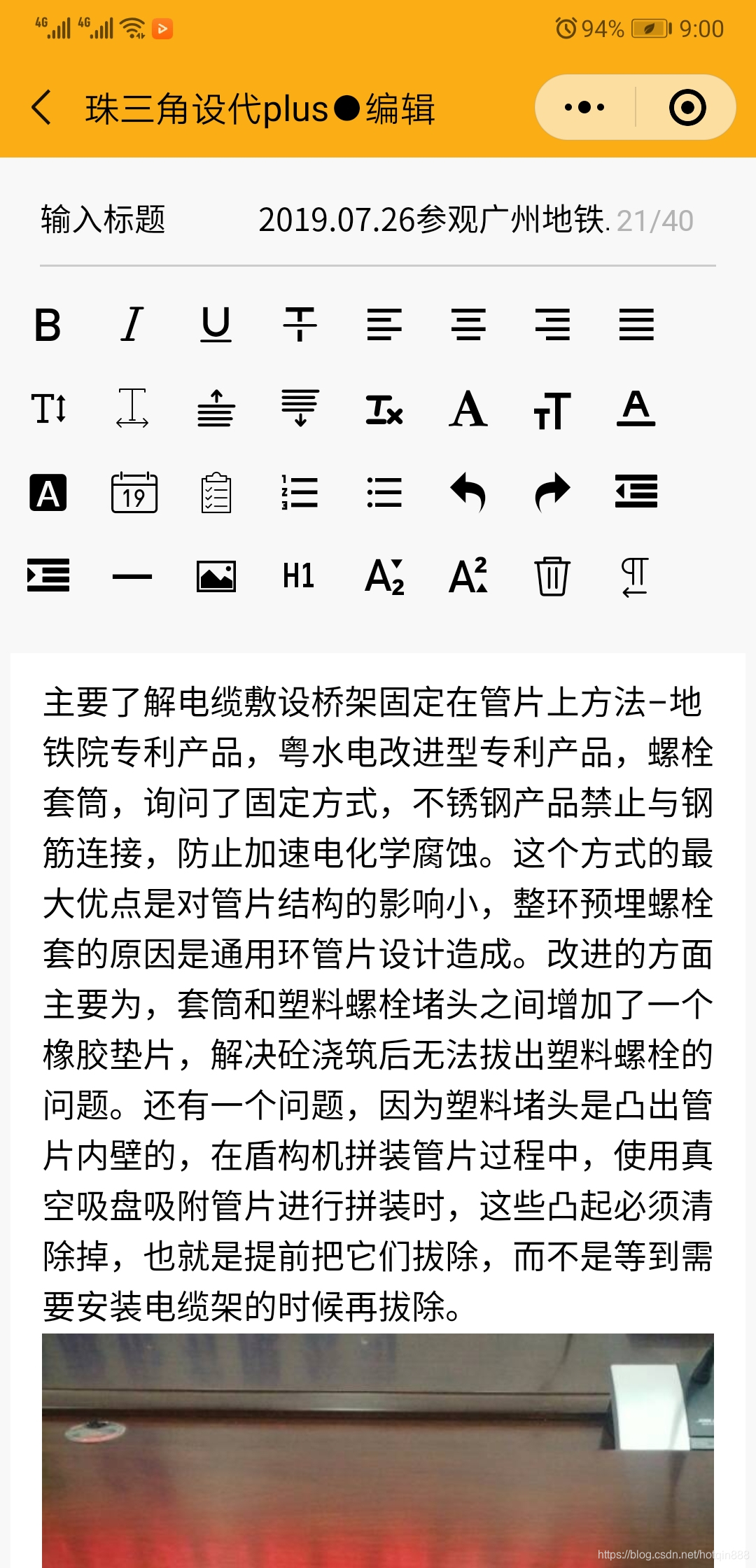
从小程序的利用富文本编辑器editor添加文章,上传图片,到利用富文本编辑器编辑现有文章,
开始想着由文章阅览页里的按钮携带参数id到编辑页,编辑页在onload里options获取文章id,再由onEditorReady()里请求服务端获得文章内容,放到编辑器里进行编辑。后来觉得不对,没必要再次请求服务端啊。
所以,在文章页,用上isme和isadmin,如果是这其中的,就显示编辑按钮。按钮跳转到编辑页,用getcurrentpage来获取文章页的数据,放到编辑器里。
onEditorReady() { // 没必要再去服务端请求数据 var that = this var pages = getCurrentPages(); var prevPage = pages[pages.length - 2]; // var getData = wx.request({//没必要再去服务端请求 wx.createSelectorQuery().select('#editor').context(function(res) { that.editorCtx = res.context that.editorCtx.setContents({ html: prevPage.data.articlecontent,//这里就是获取上一页面中的数据 success: (res) = { console.log(res) }, fail: (res) = { console.log(res) } }) }).exec() that.setData({ content: prevPage.data.articlecontent,//假如用户没有点击内容,则用这个内容 title: prevPage.data.leassonTilte,//假如用户没有点击标题,则用这个标题 titleCount: prevPage.data.leassonTilte.length }) },
声明:本站所有文章资源内容,如无特殊说明或标注,均为采集网络资源。如若本站内容侵犯了原著者的合法权益,可联系本站删除。








