
小程序wxcharts的项目实用
大家好,我是小九
最近公司的一个小程序项目要用到统计类折线图 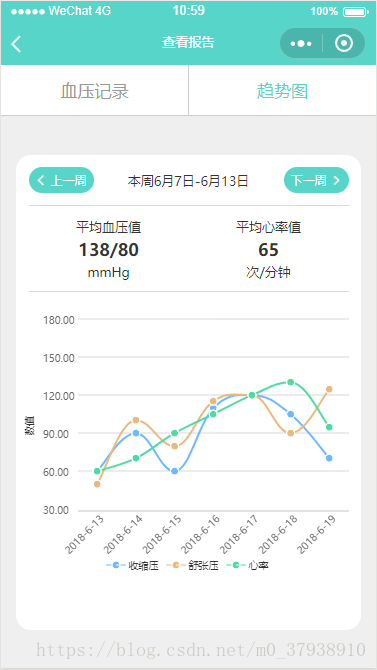
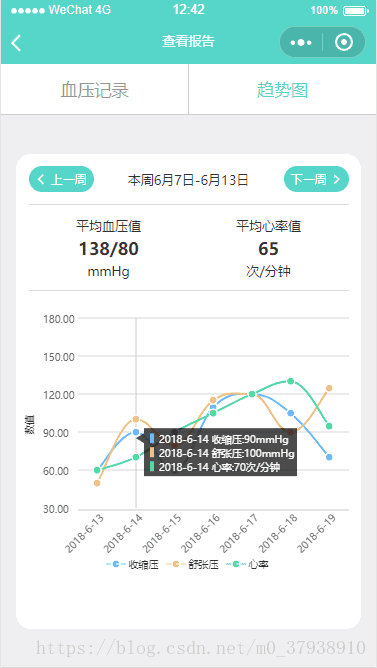
于是准备用wx-charts来做这个趋势图
首先从gethub上或者从码云上下载wx-charts.js,传送门:https://gitee.com/Q_Augly/wx-charts.git
打开git地址后我们可以看到wx-charts的一些介绍。
wx-charts是基于canvas用js写的。
支持的图表类型有:
- 饼图 pie
- 圆环图 ring
- 线图 line
- 柱状图 column
- 区域图 area
- 雷达图 radar
点击查看代码分析
我们先来看一下例子
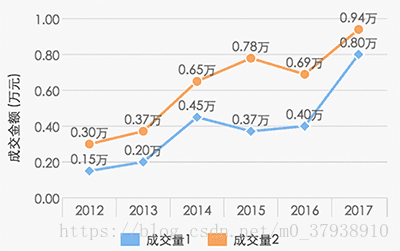
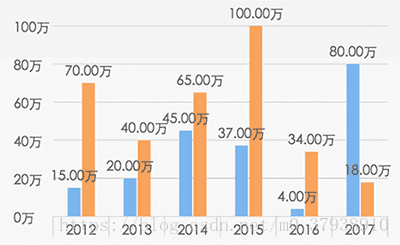
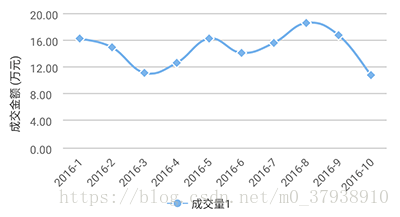
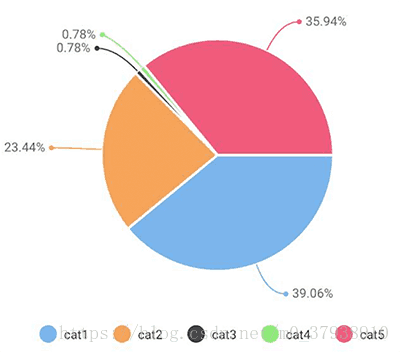


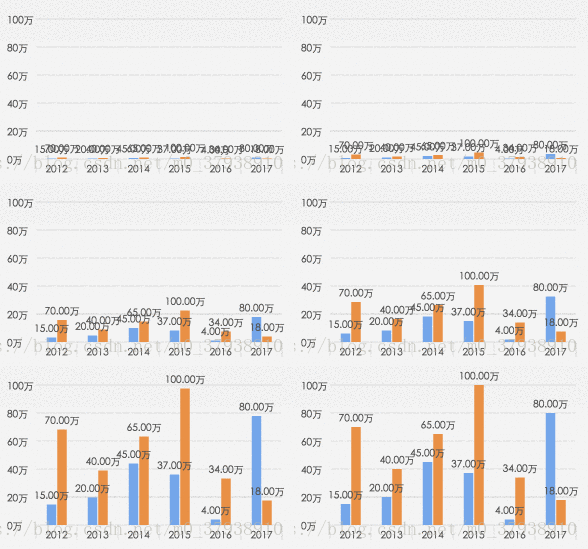

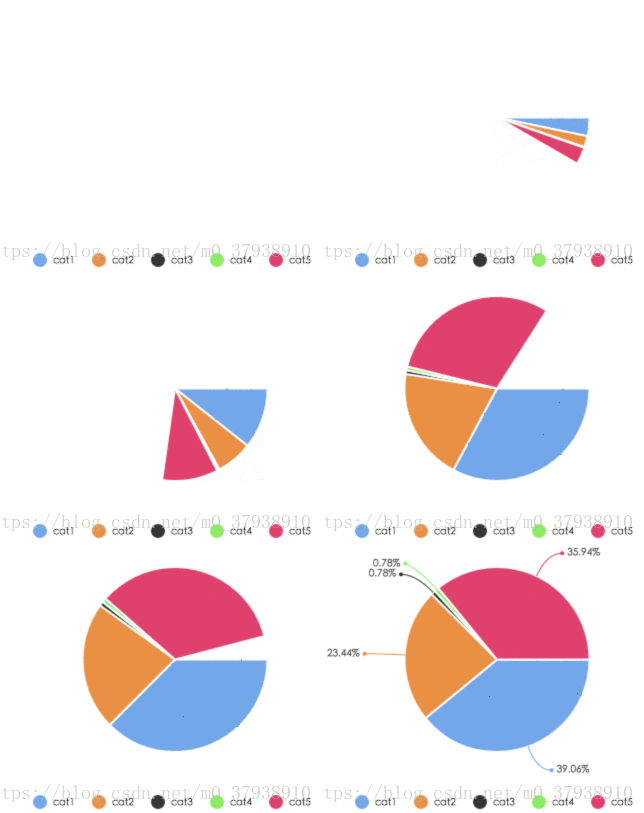

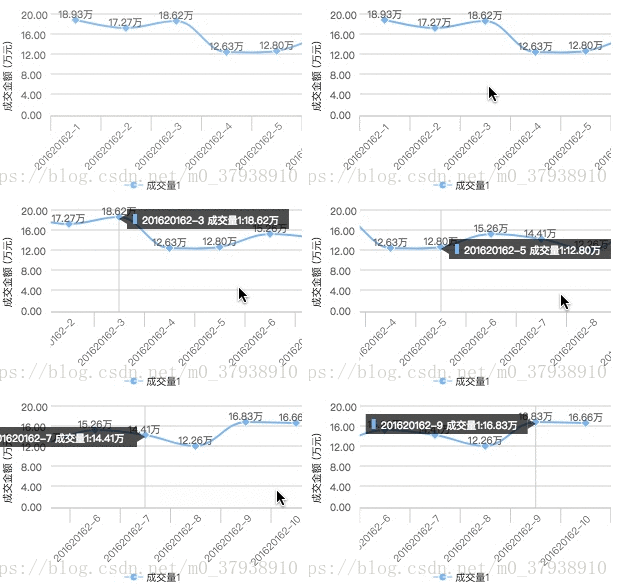
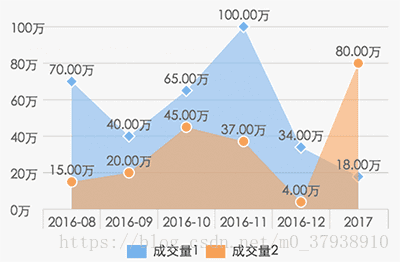
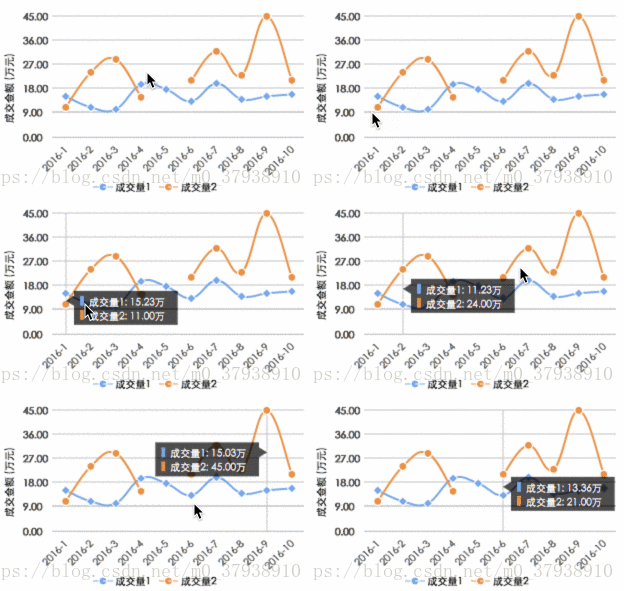
参数说明
参数说明-wxCharts文档
方法&事件
方法&事件
具体实现
本文以我自己的项目作为实例,给大家讲解一下
引入wxChart.js
在项目中,我直接引用的wxChart.js
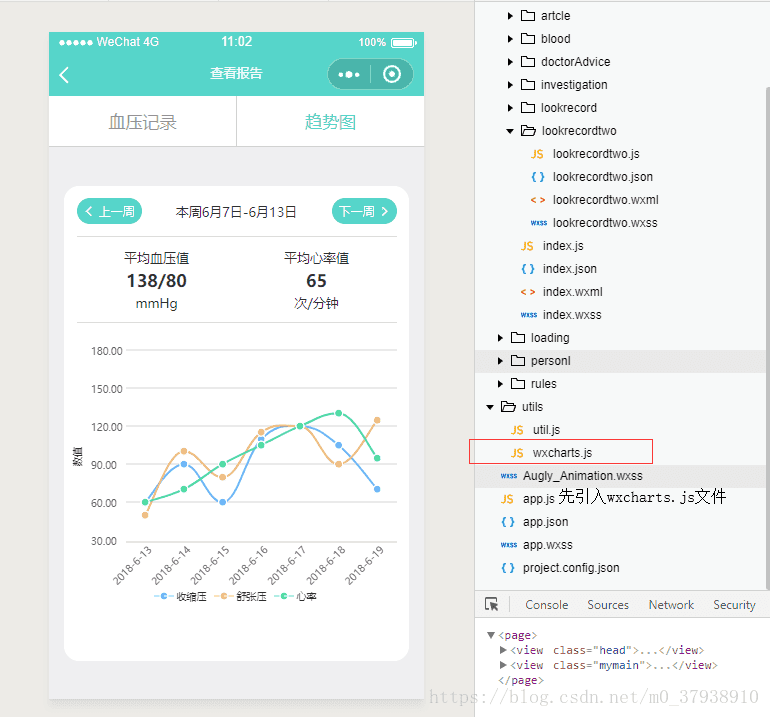
创建画布
打开趋势图的html文件
wxss:
/* pages/index/lookrecord/lookrecord.wxss */page { background-color: rgba(239, 239, 240, 1);}.head_item { width: 374rpx; text-align: center; font-size: 34rpx; color: #999; letter-spacing: 0;}.head_itemActive { color: rgba(87, 213, 200, 1);}.line { width: 2rpx; height: 100%; background-color: rgba(204, 204, 204, 1);}.head { width: 100%; height: 100rpx; background-color: rgba(255, 255, 255, 1); border-bottom: 1rpx solid rgba(204, 204, 204, 1); display: flex; align-items: center; justify-content: space-between; position: fixed; top: 0; z-index: 10;}.mymain { position: absolute; width: 100%; height: 100%; display: block; box-sizing: border-box; padding-top: 100rpx; top: 0;}.xyjl { width: 100%; height: 100%; box-sizing: border-box; padding: 0rpx 30rpx;}.item_title { width: 100%; height: 91rpx; line-height: 90rpx; font-size: 26rpx; color: #999; letter-spacing: 0;}.item_main { border-radius: 30rpx; background-color: rgba(255, 255, 255, 1); width: 100%; height: auto; box-sizing: border-box; padding: 0rpx 40rpx;}.icon-jiantouyou, .icon-icon_arrow_top, .icon-jiantouxia,.icon-iconfontzhizuobiaozhun023126 { font-size: 30rpx; color: rgba(199, 199, 204, 1);}.main_title { width: 100%; height: 250rpx; box-sizing: border-box; padding: 30rpx 0rpx; display: flex; align-items: center; justify-content: space-between;}.main_item { width: 100%; height: 200rpx; box-sizing: border-box; padding: 30rpx 0rpx; display: flex; align-items: center; justify-content: space-between; border-top: 1rpx solid rgba(216, 216, 216, 1);}.title_kind { width: 150rpx; height: 100%; display: flex; flex-direction: column; justify-content: space-between; align-items: center;}.kind_title { font-size: 26rpx; color: #333; text-align: center; line-height: 30rpx;}.kind_number { font-size: 34rpx; color: #d63030; letter-spacing: 0; line-height: 45rpx;}.kind_numberSussece { color: rgba(99, 218, 121, 1);}.kind_dw { font-size: 26rpx; color: #333; line-height: 45rpx;}.kind_result { display: inline-block; height: 45rpx; padding: 0rpx 20rpx; border: 2rpx solid #e68a8a; border-radius: 100rpx; font-size: 26rpx; color: #d73737; line-height: 40rpx;}.kind_resultSuccess { border: 2rpx solid rgba(99, 218, 121, 1); color: rgba(99, 218, 121, 1);}.qs { width: 100%; height: 100%; box-sizing: border-box; padding-top: 80rpx;}.container { width: 690rpx; border-radius: 30rpx; background-color: rgba(255, 255, 255, 1); height: 950rpx; display: flex; flex-direction: column; box-sizing: border-box; font-size: 35rpx; color: #333; margin: 0 auto;}.container_head { width: 640rpx; margin: 0 auto; height: auto;}.container_head_top { width: 100%; height: 100rpx; border-bottom: 1rpx solid rgba(216, 216, 216, 1); display: flex; align-items: center; justify-content: space-between;}.canvas { width: 100%; height: 550rpx; margin-top: 30rpx;}.prev, .next { width: 130rpx; border-radius: 100rpx; display: flex; justify-content: space-between; font-size: 24rpx; align-items: center; TAG标签: 微信小程序wx声明:本站所有文章资源内容,如无特殊说明或标注,均为采集网络资源。如若本站内容侵犯了原著者的合法权益,可联系本站删除。








