微信小程序开发中选项卡.在android中选项卡一般用fragment,到了小程序这里瞬间懵逼了.
总算做出来了.分享出来看看.
先看效果:
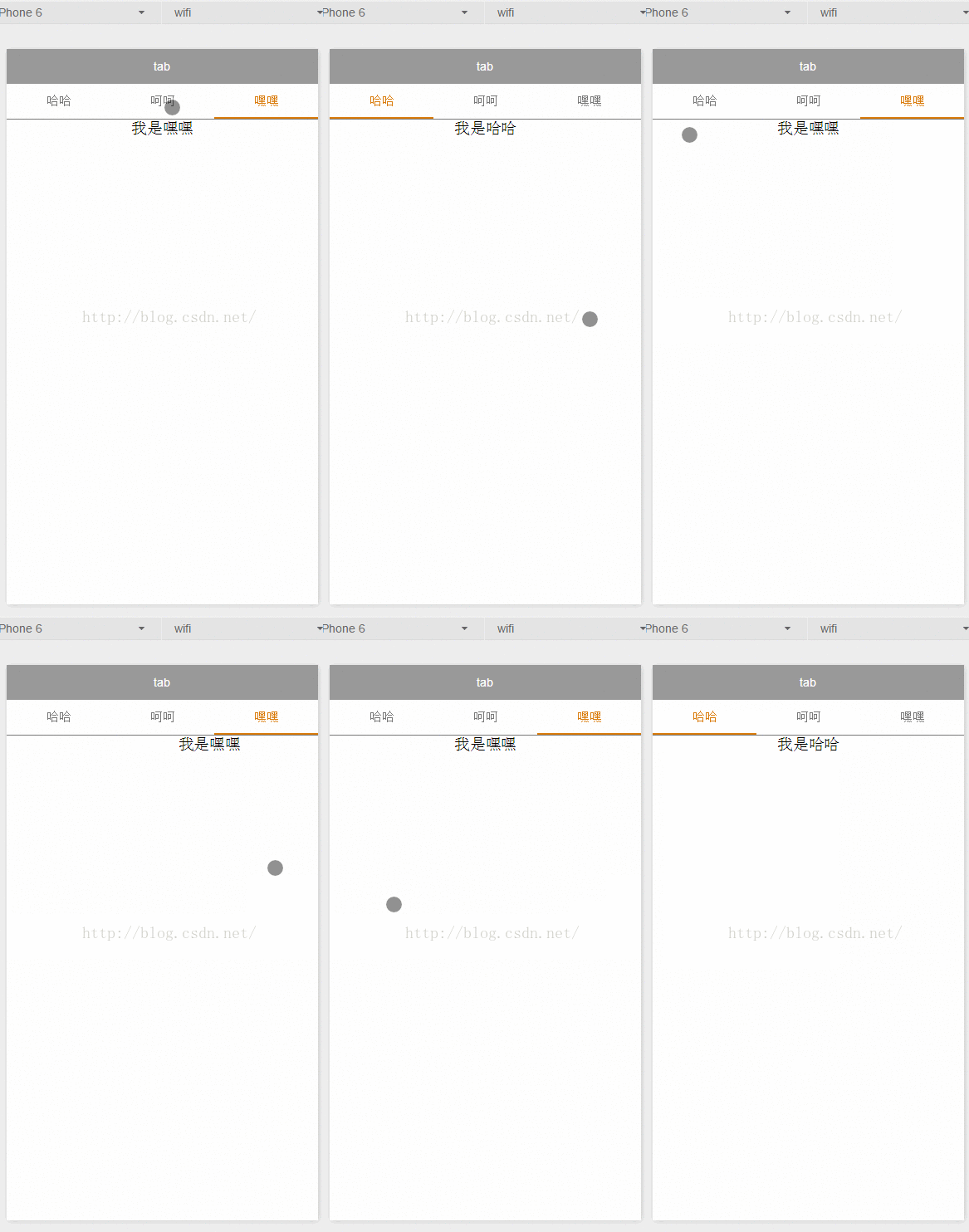
再上代码:
1.index.wxml
[html] view plain
copy view class="swiper-tab" view class="swiper-tab-list {{currentTab==0 ? 'on' : ''}}" data-current="0" bindtap="swichNav"哈哈/view view class="swiper-tab-list {{currentTab==1 ? 'on' : ''}}" data-current="1" bindtap="swichNav"呵呵/view view class="swiper-tab-list {{currentTab==2 ? 'on' : ''}}" data-current="2" bindtap="swichNav"嘿嘿/view /view swiper current="{{currentTab}}" class="swiper-box" duration="300" style="height:{{winHeight - 31}}px" bindchange="bindChange" swiper-item view我是哈哈/view /swiper-item swiper-item view我是呵呵/view /swiper-item swiper-item view我是嘿嘿/view /swiper-item /swiper 2.index.wxss
[css] view plain
copy .swiper-tab{ width: 100%; border-bottom: 2rpx solid #777777; text-align: center; line-height: 80rpx;} .swiper-tab-list{ font-size: 30rpx; display: inline-block; width: 33.33%; color: #777777; } .on{ color: #da7c0c; border-bottom: 5rpx solid #da7c0c;} .swiper-box{ display: block; height: 100%; width: 100%; overflow: hidden; } .swiper-box view{ text-align: center; } 3.index.js
[javascript] view plain
copy var app = getApp() Page( { data: { winWidth: 0, winHeight: 0, currentTab: 0, }, onLoad: function() { var that = this; 








