
微信小程序链接后台接口,进行数据交互
微信小程序链接后台接口,进行数据交互
新手学微信小程序,设计页面还可以,有没有让进行数据交互的时候就不知道怎么弄了,下面就记录一下我是怎么进行交互的
1.登陆微信小程序平台,进入首页,点击开发设置
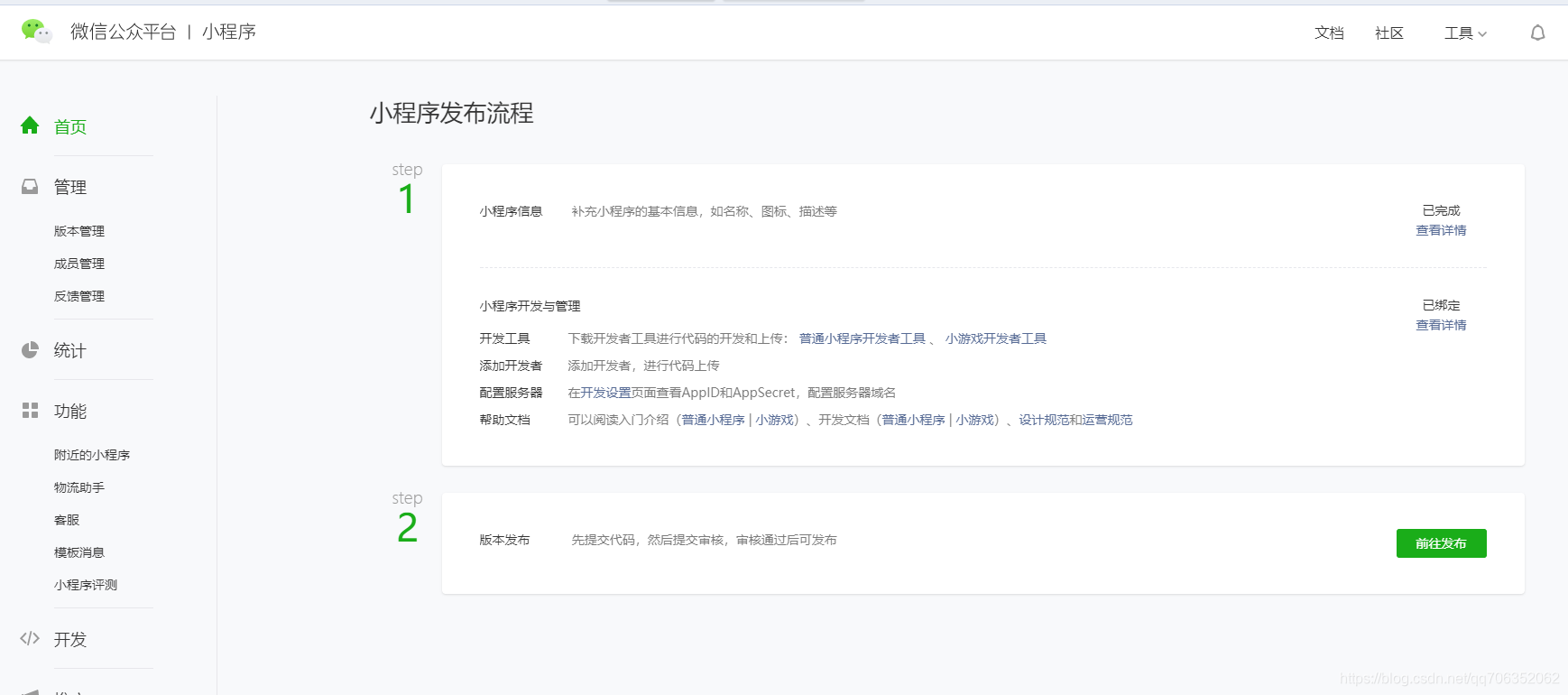
2.配置服务器域名

重要的是把 配置了 ,后面三个根据需求
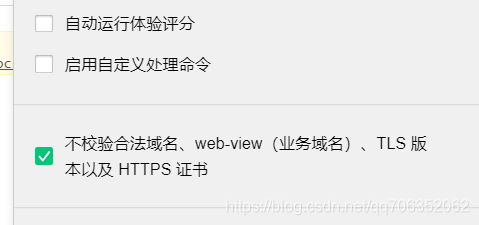
3.打开你的小程序项目,点击详情,把下面这个打上对勾
4.最后就是js了
data: { phone: '', //获取到的手机栏中的值 Code: '', NewChanges: '', NewChangesAgain: '', }, submit:function(){wx.request({ url: '接口地址', data: { 'Tel': this.data.phone, 'Password': this.data.NewChanges, 'NewPassword': this.data.NewChangesAgain, 'VerificationCode': this.data.code, }, method: 'POST', header: { 'Content-Type': 'application/x-www-form-urlencoded' }, success: function (res) { console.log(res.data) wx.navigateTo({ url: '/rareillness/login/login',//跳转地址 }) wx.showToast({ title: '提交成功~', icon: 'loading', duration: 2000 }) } })}
声明:本站所有文章资源内容,如无特殊说明或标注,均为采集网络资源。如若本站内容侵犯了原著者的合法权益,可联系本站删除。








