
微信小程序之怎么设置底部导航
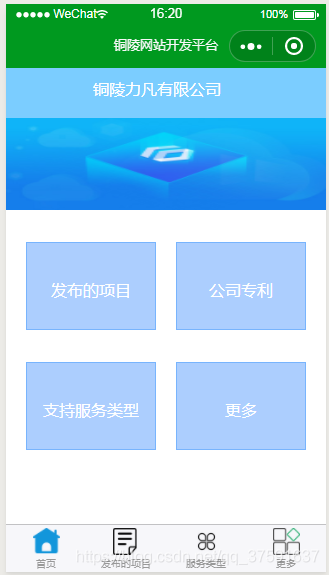
页面效果
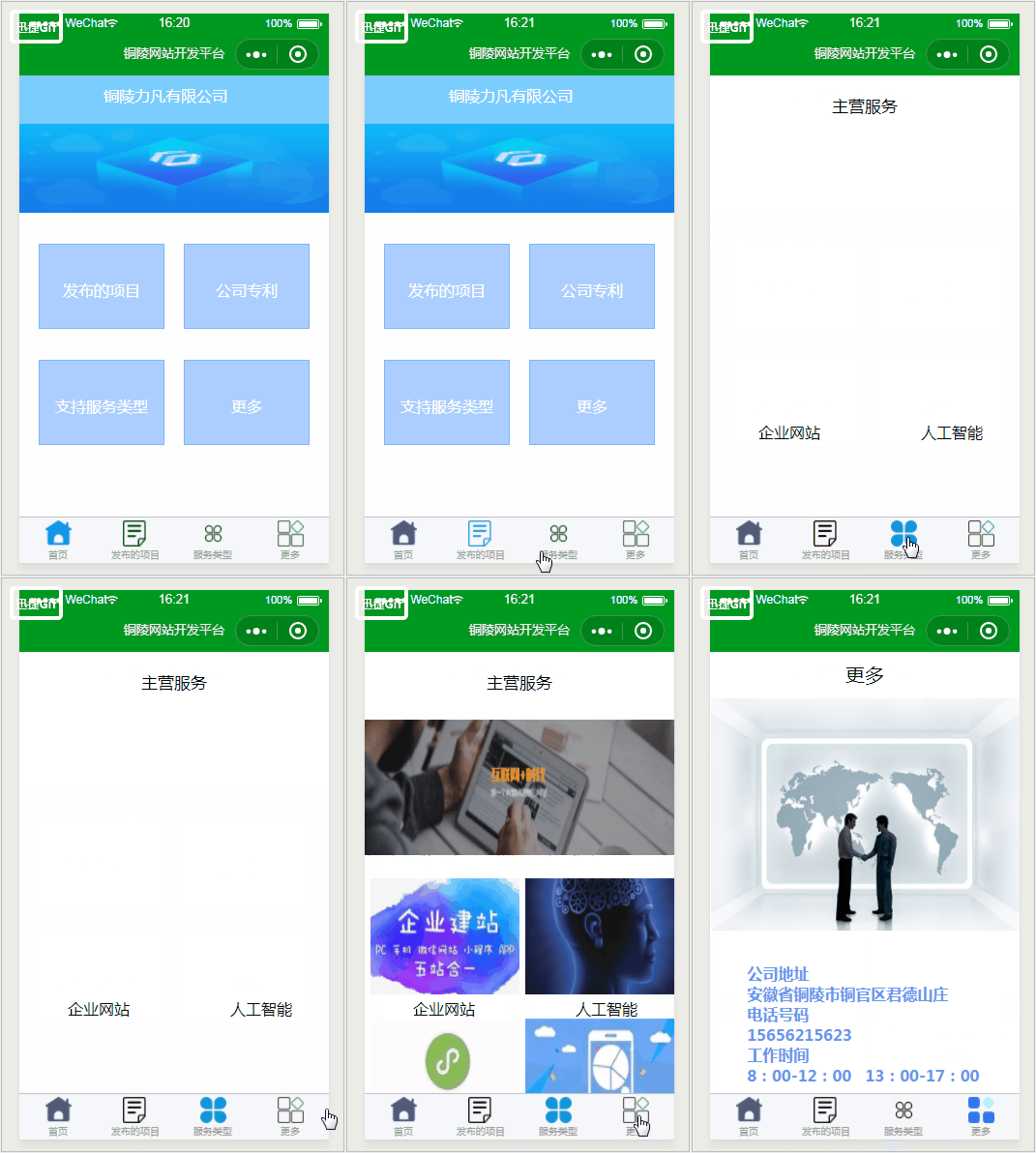
操作效果如下
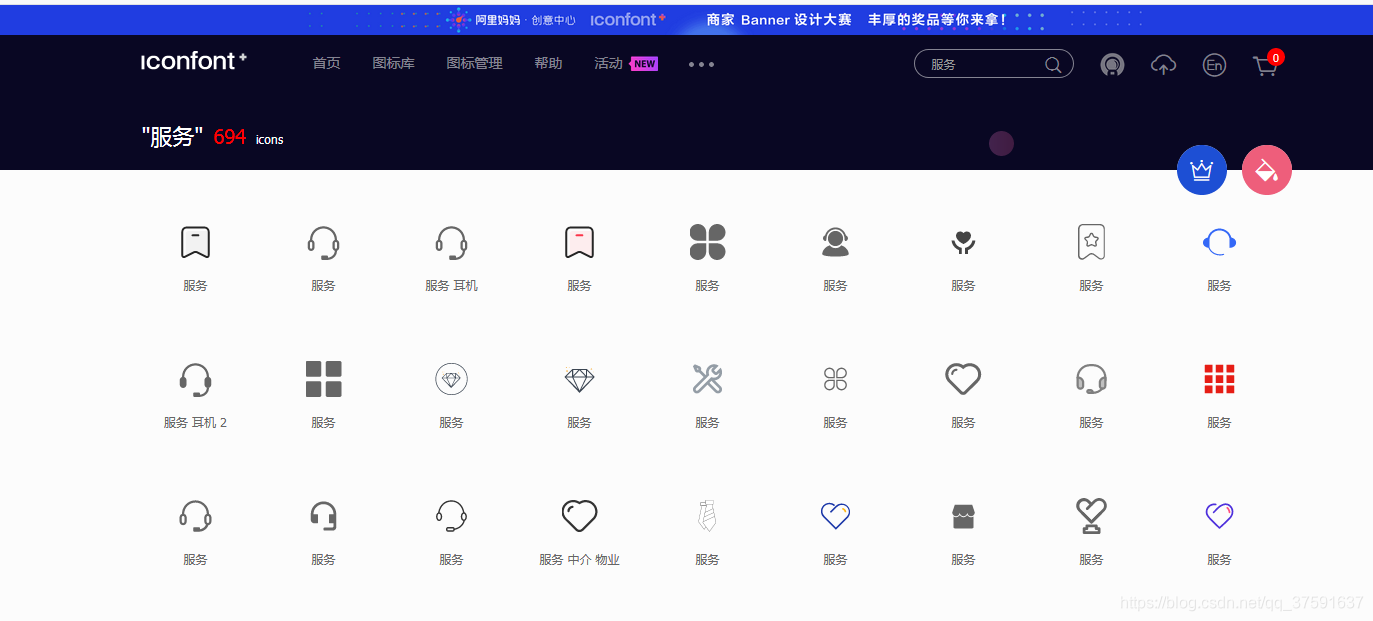
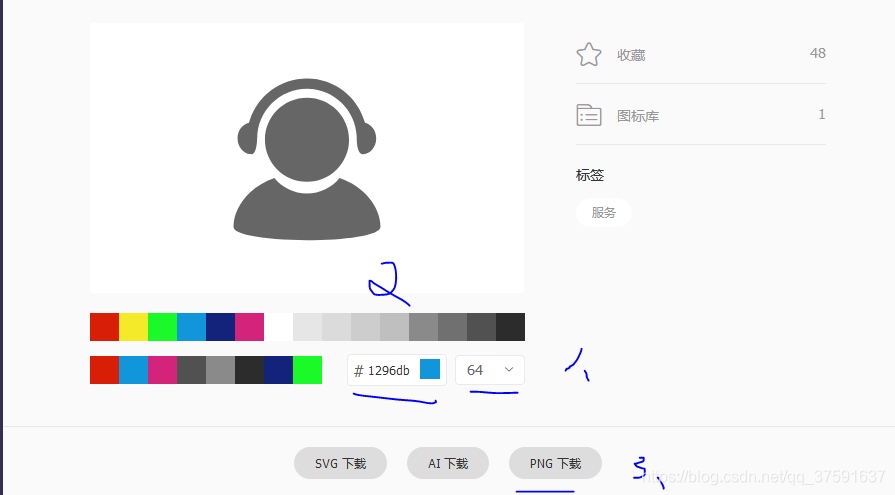
步骤一、去阿里巴巴矢量图网搜索想要的素材
http://www.iconfont.cn/collections/show/29
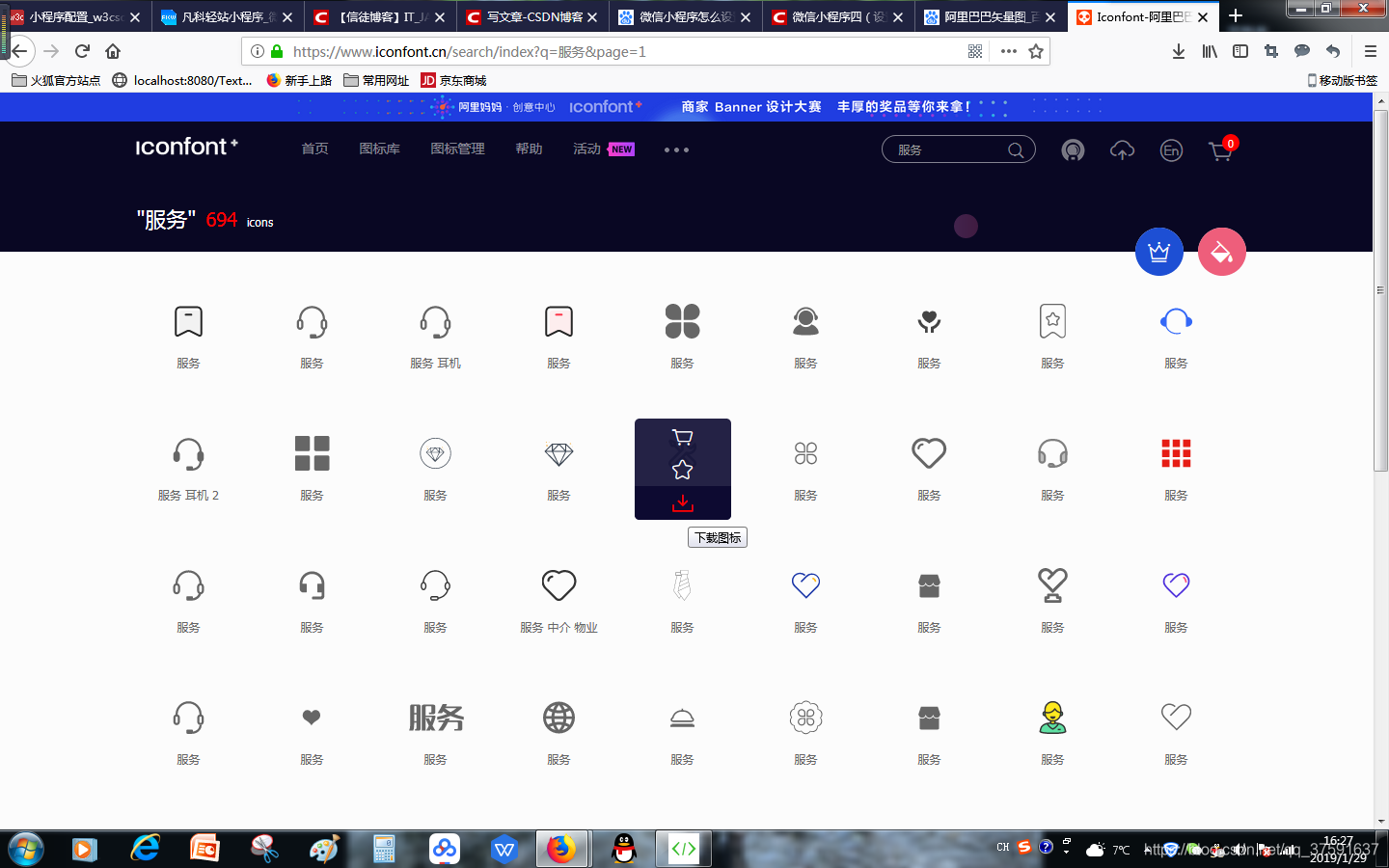
点击下方的下载
注意点
1、大小64
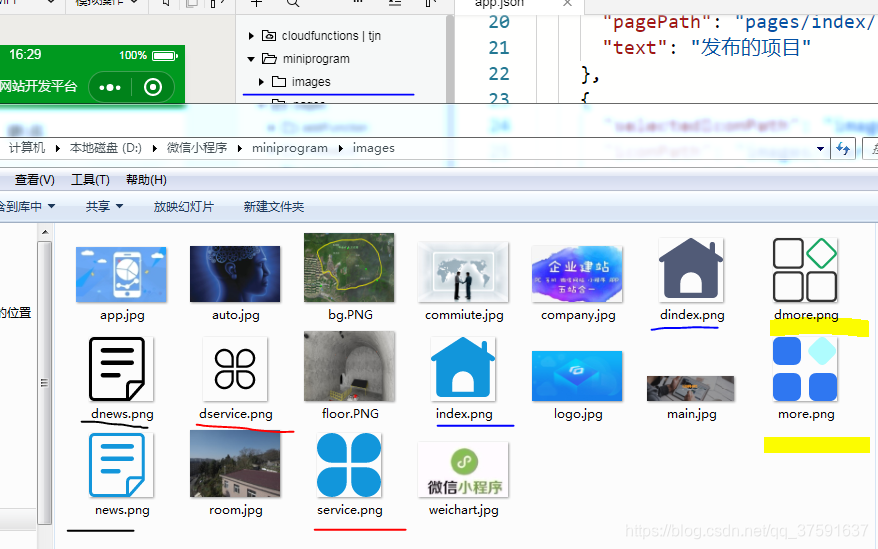
2、颜色(要下载两次,一次是被选中的,颜色要鲜艳些;第二次是未被选中的,颜色灰色些)
3、下载png就可以了
步骤二、把这些图片放在imags里面,
步骤三 在app.json里面加入如下代码
"tabBar": { "list": [ { "selectedIconPath": "images/index.png", "iconPath": "images/dindex.png", "pagePath": "pages/index/index", "text": "首页" }, { "selectedIconPath": "images/news.png", "iconPath": "images/dnews.png", "pagePath": "pages/index/page", "text": "发布的项目" }, { "selectedIconPath": "images/service.png", "iconPath": "images/dservice.png", "pagePath": "pages/index/service", "text": "服务类型" }, { "selectedIconPath": "images/more.png", "iconPath": "images/dmore.png", "pagePath": "pages/index/more", "text": "更多" } ]},补充知识点
tabBar 指底部的 导航配置属性
color 未选择时 底部导航文字的颜色
selectedColor 选择时 底部导航文字的颜色
borderStyle 底部导航边框的样色(注意 这里如果没有写入样式 会导致 导航框上边框会出现默认的浅灰色线条)
list 导航配置数组
selectedIconPath 选中时 图标路径
iconPath 未选择时 图标路径
pagePath 页面访问地址
text 导航图标下方文字
TAG标签: 微信小程序微信小程序底部导航栏
声明:本站所有文章资源内容,如无特殊说明或标注,均为采集网络资源。如若本站内容侵犯了原著者的合法权益,可联系本站删除。








