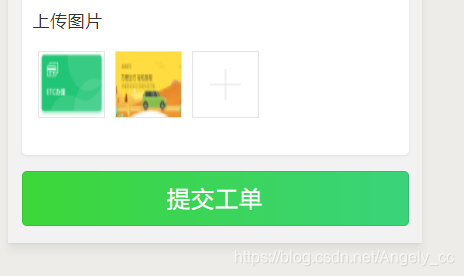
<view> <view class='title'> 上传图片
</view> <view class='imgArr'> <view wx:for="{{imgArrs}}" class='img_item'> <image src='{{item}}' mode='widthFix' bindtap='previewImage' data-item="{{item}}" /> </view> <view class='addImg' bindtap='chooseImage'> <image src='http://etc-app.oss-cn-beijing.aliyuncs.com/image_201905301537160389.png' mode='widthFix' /> </view> </view></view>.addImg { width: 122rpx
;height: 122rpx
; }.imgArr image { display: inline
!important; width: 100%
; height: 100%
;}.imgArr view { display: inline-block
; margin: 10rpx
;}.img_item { width: 122rpx
;height: 122rpx
; border: 1rpx solid #e5e5e5
; position: relative
;}.title { height: 96rpx
; line-height: 96rpx
; font-size: 32rpx
;font-weight: normal
;font-stretch: normal
;letter-spacing: 1rpx
;color: #333333
;} data
: { imgArrs
:[], idArrs
:[] }, methods
: { chooseImage() { let that
= this wx
.chooseImage({ count
: 1, sourceType
: ['album', 'camera'], success(res
) { const path
= res
.tempFilePaths
[0] wx
.uploadFile({ url
: '要上传的地址', filePath
: path
, name
: 'image', success
: (res
) => { console
.log(res
) let {url
, id
} = JSON.parse(res
.data
).data console
.log(url
) console
.log(id
) that
.data
.imgArrs
.push(url
) that
.data
.idArrs
.push(id
) that
.setData({ imgArrs
: that
.data
.imgArrs
, idArrs
: that
.data
.idArrs
}) console
.log(that
.data
.imgArrs
) console
.log(that
.data
.idArrs
) } }) } }) }, previewImage(e
) { console
.log(e
) let that
= this wx
.previewImage({ urls
: that
.data
.imgArrs
, current
: e
.target
.dataset
.item
, }) } }小程序
TAG标签:
微信小程序微信小程序图片
http://www.xiaochengxub.com/read-106532.html









